
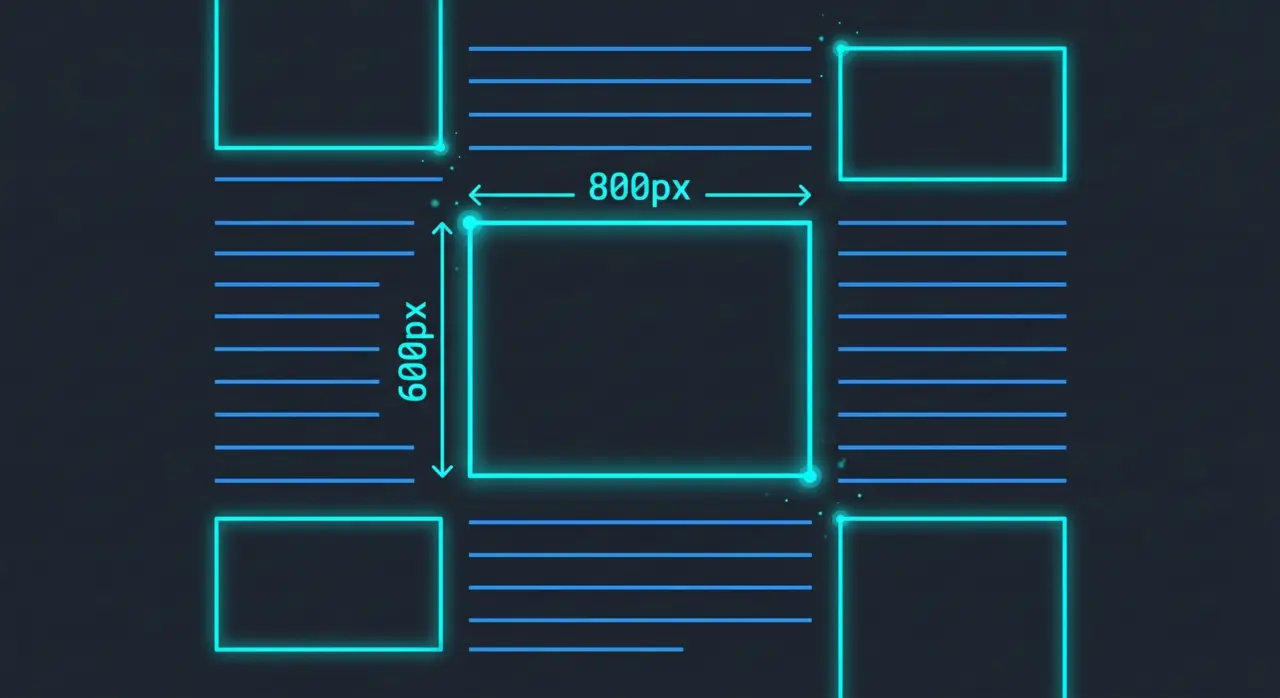
We have all experienced this incredibly frustrating scenario: You are reading an article on your phone, you go to click a link, and right at that exact millisecond, an image suddenly loads at the top of the page. The entire text gets pushed down, and you accidentally click an ad instead.
This jarring, jumpy experience is known as a Layout Shift.
For years, web developers stopped adding width and height attributes to their <img> tags because they believed CSS (like max-width: 100%) was enough for responsive design. That was a massive mistake. Today, omitting those two simple HTML attributes is the number one cause of poor SEO performance related to visual stability.
In this deep dive, we will explain exactly why your images need dimensions and how this directly impacts your Google rankings.
What is CLS, and Why Does Google Care So Much?
To understand why image dimensions matter, we first must understand Cumulative Layout Shift (CLS).
CLS is not just a technical buzzword; it is one of the three foundational metrics of Google’s Core Web Vitals (alongside LCP for loading speed and INP for interactivity). It measures the total sum of all unexpected layout shifts that occur during the entire lifespan of a page.
Here is why CLS is critical for your SEO:
- It is a Direct Ranking Factor: Google officially incorporated Core Web Vitals into its search algorithm as part of the “Page Experience” update. If your website has a Poor CLS score (greater than 0.25), Google considers your site frustrating to use. In a competitive search landscape, Google will actively rank a visually stable competitor above you.
- It Dictates Your PageSpeed Score: CLS makes up a significant percentage of your overall Google PageSpeed Insights score. If your layout jumps around, it is mathematically impossible to achieve that coveted 90+ green score, no matter how fast your server is.
- It Destroys User Trust: Beyond algorithms, high CLS kills conversions. If users accidentally click the wrong buttons because your layout keeps shifting, they will abandon your site and bounce back to the search results.
The Root Cause: Why Do Layouts Shift Without Dimensions?
When a browser (like Chrome or Safari) starts loading a webpage, it reads the HTML code from top to bottom. It tries to draw the layout on the screen before all the heavy images have finished downloading.
If your HTML looks like this:<img src="beautiful-sunset.jpg" alt="Sunset">
The browser has a problem. It knows an image belongs there, but it has no idea how big the image is. So, it temporarily allocates 0 pixels of space for it and continues rendering the text below it.
A few seconds later, the 1200×800 pixel image finishes downloading. Suddenly, the browser realizes it needs space. It violently forces all the text and buttons downward to make room for the image. Boom. You just triggered a massive Layout Shift and failed your CLS metric.
The Solution: Always Add Width and Height
The fix is incredibly simple. You must return to the basics of HTML and explicitly declare the intrinsic dimensions of the image:
<img src="beautiful-sunset.jpg" alt="Sunset" width="1200" height="800">
But Wait, Won’t That Break My Responsive Design?
No! This is the biggest misconception in modern web development.
Modern browsers are smart. When you provide the width="1200" and height="800" attributes in the HTML, the browser doesn’t force the image to be exactly 1200 pixels wide on a tiny smartphone. Instead, it uses those numbers to calculate the aspect ratio (in this case, 3:2).
If your CSS dictates that the image must shrink to fit the screen (max-width: 100%; height: auto;), the browser will say: “Okay, the screen is 300px wide. Because I know the aspect ratio is 3:2 based on the HTML attributes, I must immediately reserve 200px of vertical space.”
The space is reserved perfectly before the image even downloads. No jumping. No shifting. A perfect CLS score.
How to Audit Your Images and CLS Score Instantly
Manually inspecting the source code of every image on your website to ensure it has width and height attributes is nearly impossible. Furthermore, you need to know exactly what your real-world CLS score is in Google’s eyes.
You can automate this entire audit using FunSEO.
Our free, instant SEO scanner performs a deep technical analysis of your webpage. When you run a scan, FunSEO will:
- Audit Every Image: Our engine parses your HTML and specifically flags any
<img>tags that are missing dimension attributes (images_missing_dimensionscheck). - Fetch Real PageSpeed Data: We connect directly to the official Google PageSpeed Insights API to pull your exact Cumulative Layout Shift (CLS) score, so you know exactly where you stand.
Don’t let a missing HTML attribute ruin your user experience and tank your search rankings. Run a free scan on FunSEO today to stabilize your layout and boost your Core Web Vitals.